


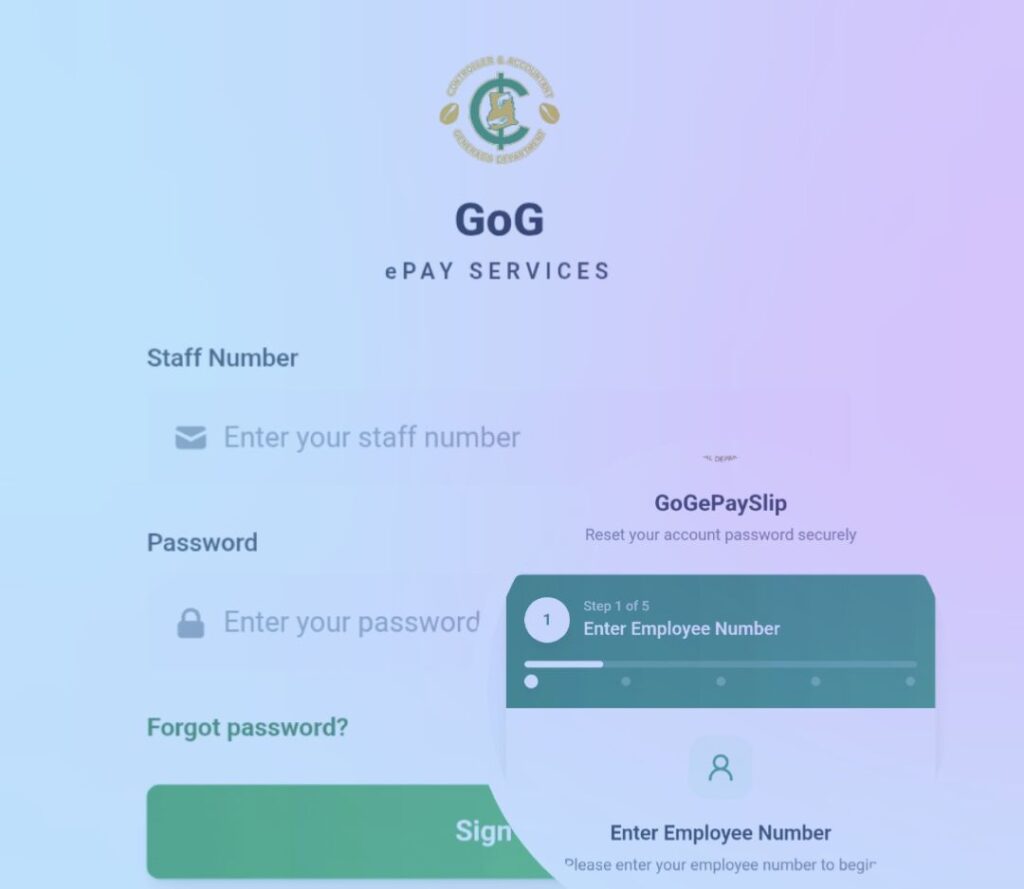
The office of the Controller and Accountant-General’s Department (CAGD) has officially announced enrolling on the employee pay service portal.
It is a self-registering service for employees to create an account and begin managing their payroll with ease.
To navigate and find this process smoothly, we have simplified the process here for your perusal.
What do you need to register on the GoG E-pay service portal?
Requirements
- Ghana Card
- Staff ID
- Phone number
Once these steps are completed, you can log in and access your payslips without difficulty.
How can you access the GoG E-pay service portal?
To access the portal, kindly tap this official link from CAGD >>>https://gogepayservices.com for follow the steps
Important info: When the link opens, click on “Forget Password”. This option will help you register newly on the portal.
Next step to follow
After clicking the link, you will be required to enter Staff ID
Next, click Continue
A page will appear where you have to enter Ghana Card number to verify your identity
Click on verify your identity
Kindly read the information in the inserted photo below 👇
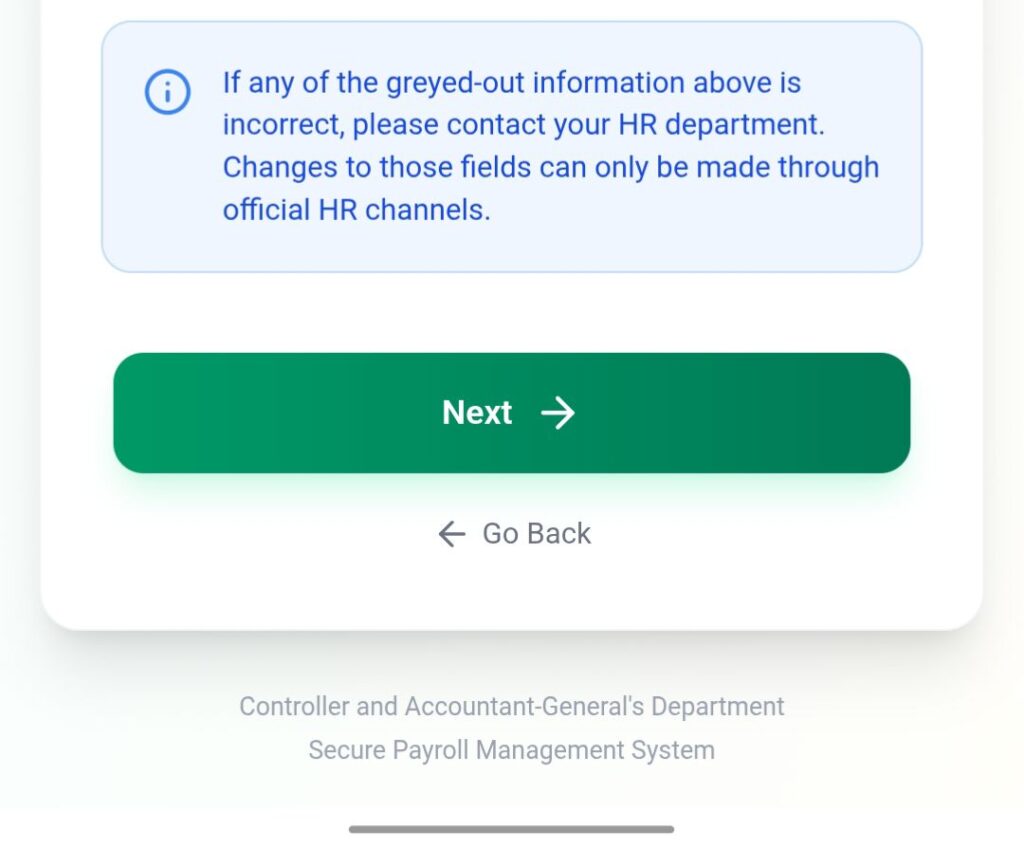
Your details will appear there. Confirm and add your phone number.
Note that adding your email address is optional.
Click next and enter your phone number to proceed to the next stage
A One Time Password (OTP) will be sent to the number you provided in the registration process. Enter the code you received via your SMS and proceed.
The OTP may delay in delivery but it’s worth waiting for.
Next action: For security reasons, make sure you create and confirm a strong password in the process. Set a security question that will be easy for recalling in the future.
Review and confirm all the information you entered on the summary page
Select the check ✔️ button and click “Register account” to complete the registration process.
A menu will appear indicating the success of the process.
Now, click “Go to login” and enter your credentials to access your account now.
Here, you’re logging in to the account you created. Enter your Staff ID and Password and sign in to your account.
Navigate the portal to be familiar with the features.
Source: Blowgrade.com